Fake official app
An app whose icon matches yours, with the brand name in its title and a developer not on your list, comes in as a finding.

Authex mobile app monitoring is an online brand-monitoring solution that detects copycat and fake apps using your brand name and icon in seven app stores, collects the evidence and reports it. For each finding it prepares the evidence file and a draft store complaint; the brand's team or its lawyer decides whether to file it and files it.
Overview
Mobile app monitoring tracks apps in the app stores that use your brand name or icon. A copy installed by people who think it is your official app can ask for login details or payments, which directly hurts the trust people place in the brand.
Authex scans the Apple App Store, Google Play, Huawei AppGallery, Amazon Appstore, Samsung Galaxy Store, Xiaomi GetApps and Aptoide. An app whose icon matches yours, whose title contains the brand name and whose developer is not on your list comes in as a finding; apps using the brand name under a different developer account are flagged too.
If a removed app is published again from a new developer account with the same icon or name, later scans bring it back as a finding.
Scope
Apple App Store, Google Play, Huawei AppGallery, Amazon Appstore, Samsung Galaxy Store, Xiaomi GetApps and Aptoide are scanned. App Store and Google Play are selected by default.
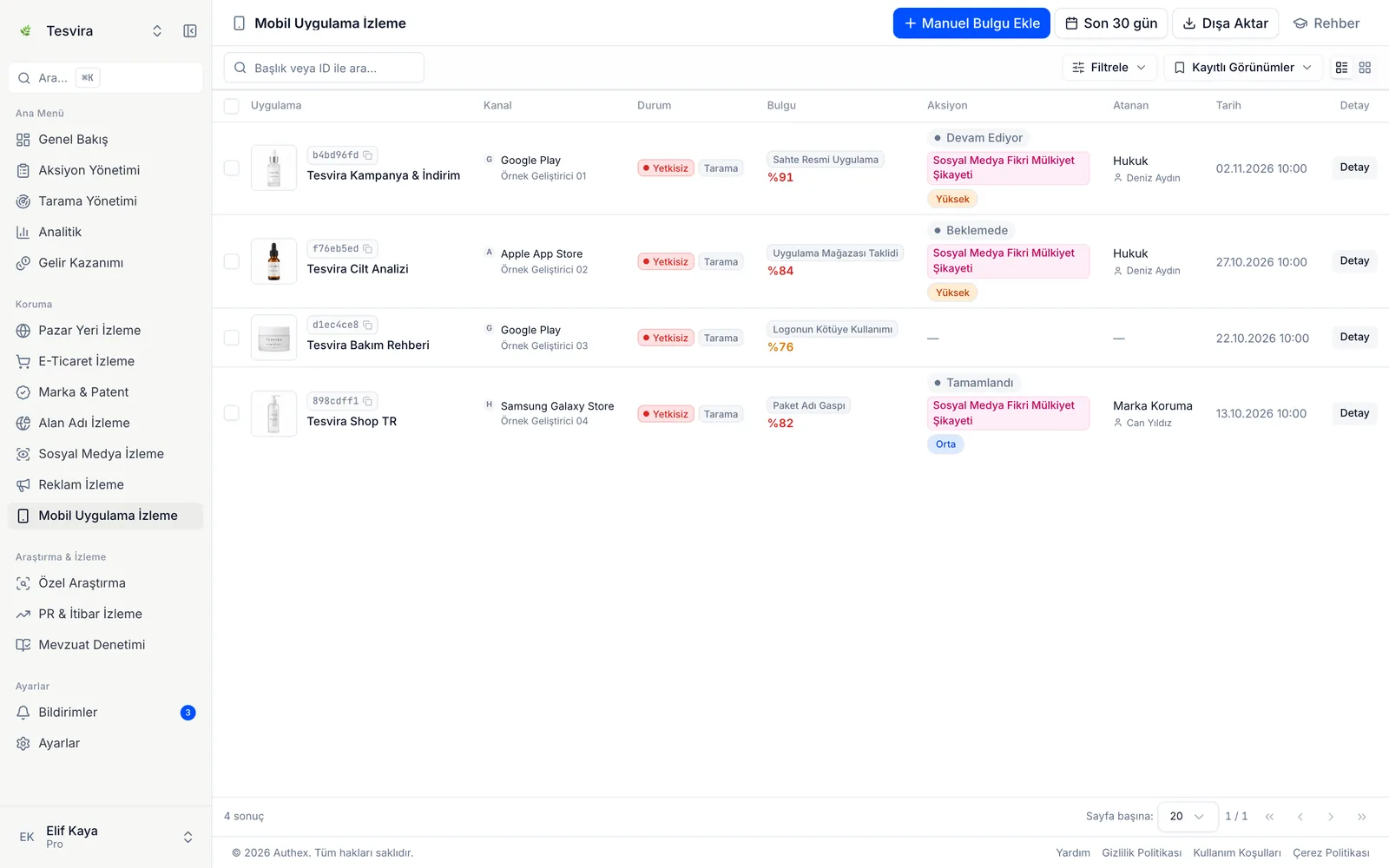
Detection
An app whose icon matches yours, with the brand name in its title and a developer not on your list, comes in as a finding.
Apps using the brand name but published under a different developer account are flagged.
App icons are compared with your brand's icon by image similarity.
Evidence
Process
The brand name, app icon, your official apps and developer accounts are entered.
You choose the stores and scan frequency; App Store and Google Play are selected by default.
The name, icon and developer of each app found are compared with your official apps.
Findings are ranked by risk level; the brand's team confirms, reviews or dismisses each one.
For a confirmed app, Authex prepares the evidence file and a draft notice. The brand's team or lawyer files it, and Authex keeps tracking the app's status.
Who it is for
Manufacturers offering a mobile app alongside their products see copies of their apps.
Exporters offering apps to users abroad add stores such as Huawei AppGallery and Samsung Galaxy Store to the scope.
Brands selling through their own app notice fake shopping apps imitating the official one.
Lawyers preparing a store report work from an evidence file with the icon, store page and developer details.
FAQ
Authex detects the app, records its store page and developer details with evidence and prepares a draft notice. The brand's team or its lawyer decides whether to file it and files it; the store decides on removal. Authex keeps tracking the app's status.
Seven stores: the Apple App Store, Google Play, Huawei AppGallery, Amazon Appstore, Samsung Galaxy Store, Xiaomi GetApps and Aptoide. App Store and Google Play are selected by default.
In later scans, apps published from a new developer account with the same icon or name come in as findings again.
No. The brand's developer accounts are added to the list and do not produce findings.
Yes. The evidence file holds the app icon, store page, developer name and link, and rating and download details. Your lawyer can use the file for the platform report and for their legal assessment.
Guides

Marketplaces, online stores, social media, ads, domains and app stores: how misuse of a brand looks in each channel and how the channels connect.
4 min read
What a screenshot is worth in Turkish proceedings, how notarized e-capture and court evidence preservation differ, and how to choose a method for each listing.
5 min read
What digital brand protection is, the risks it covers, how it differs from classic trademark watching, how it works and what to look for in a solution.
6 min readIndustries
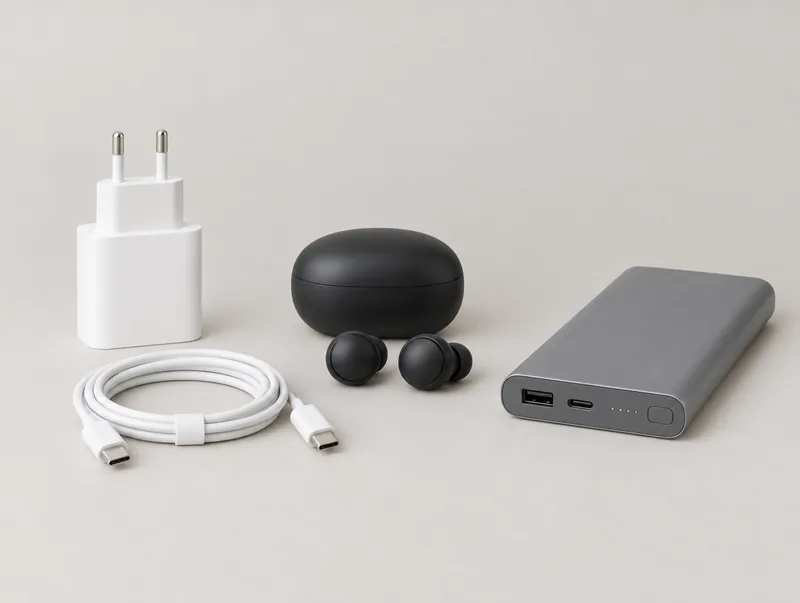 ElectronicsMonitor counterfeit charger and battery listings, fake repair service sites and copycat apps.
 Food and beverageMonitor fake campaign pages, counterfeit listings and online sales missing mandatory food information.
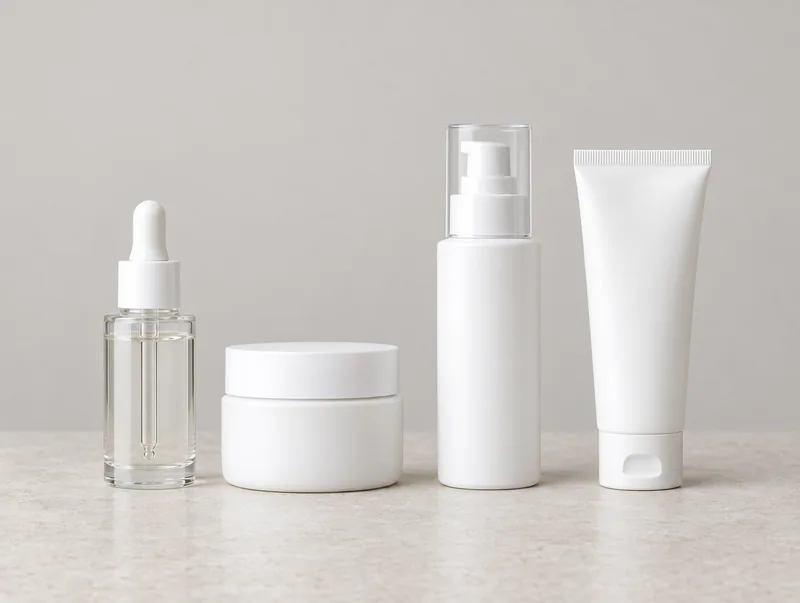 Cosmetics and personal careTrack dupe and counterfeit listings, fake giveaway accounts and misleading product claims online.
Other solutions
Regularly monitors your brand's visibility on marketplaces; detects and reports counterfeits, unauthorized sellers and unauthorized brand use with evidence.






Monitors your brand's presence on independent e-commerce sites; detects unauthorized sales, counterfeits and unauthorized dealer activity with evidence.
Regularly searches the records of 9 trademark and 10 patent offices, including TÜRKPATENT, EUIPO, WIPO and USPTO, for filings similar to your brand and products, and lists them with their source. The infringement assessment belongs to your trademark and patent attorney.
Meeting request
The first meeting reviews your brand, sales channels and the risks you face, and recommends a monitoring scope.
Request a meeting